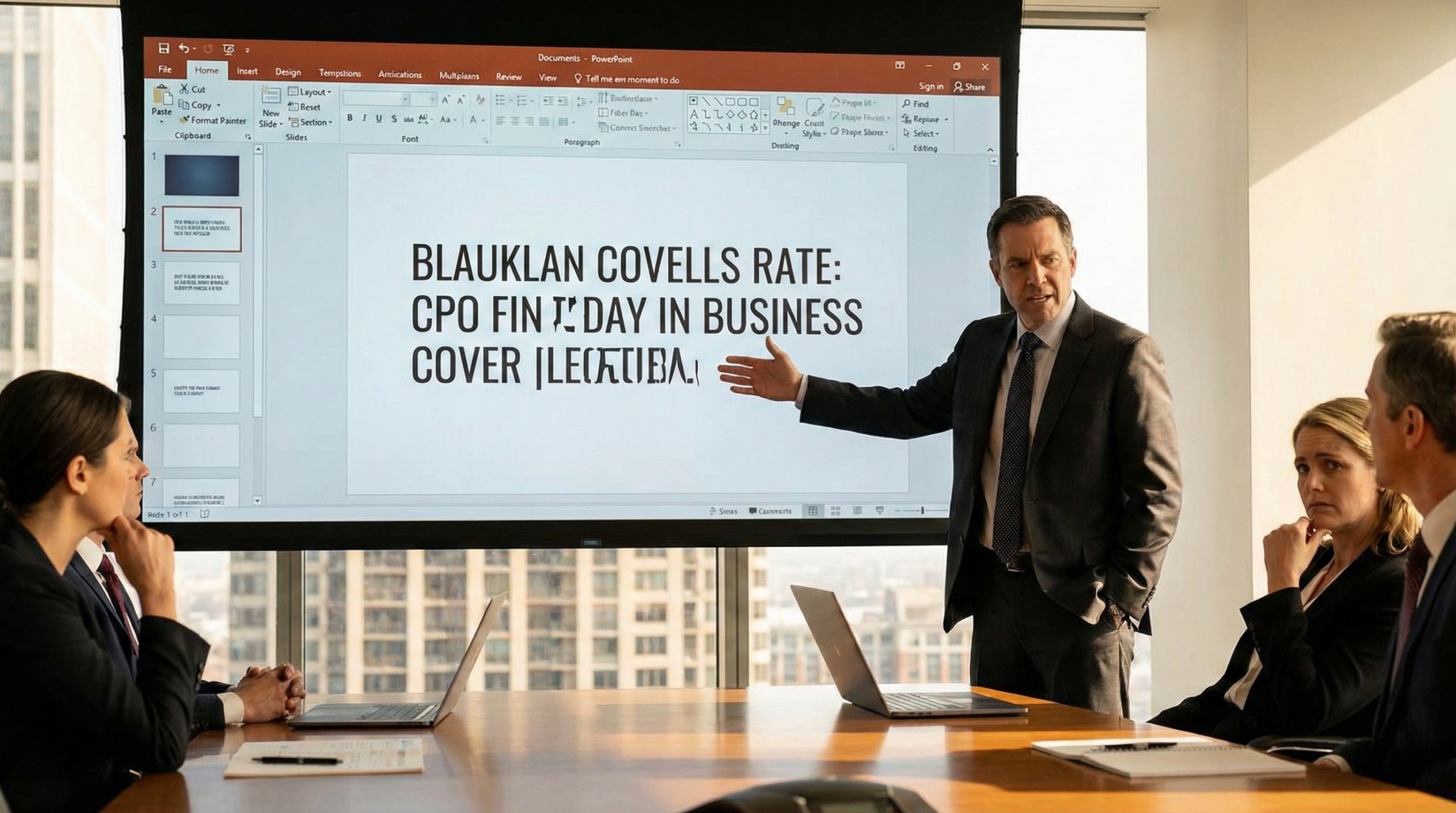
Walking into a high-stakes boardroom only to find your meticulously designed presentation ruined by “broken fonts” is a professional nightmare. In the world of high-level business, where investment pitch decks and corporate reports represent your brand’s voice, a sudden shift to default system fonts like Calibri or Arial is more than a design glitch—it is a breach of professional integrity.
When you embed fonts PowerPoint files, you ensure that your visual narrative remains consistent across every device, from a VC’s MacBook to a government procurement officer’s workstation. For those aiming to ensure their custom fonts save correctly within the PPTX package, understanding the technical and strategic nuances of font embedding is no longer optional; it is essential risk management.
Why Your Fonts Break (And Why It Costs You Revenue)
PowerPoint files do not naturally include font files; they simply reference the fonts installed on the local operating system. If the recipient’s computer lacks your specific brand typeface, the software defaults to a substitute, often destroying your carefully crafted layout and visual hierarchy.
In the context of IR (Investor Relations), where you only have about 7 seconds to capture an analyst’s attention, a layout shift can make your data unreadable and your team look unprepared. Consistency isn’t just about aesthetics; it’s about establishing the authority needed to close a deal.
A Step-by-Step Guide to Embedding Fonts in PowerPoint
Executing a proper font embedding strategy takes less than a minute but saves hours of potential troubleshooting. The process varies slightly between Windows and macOS.
For Windows Users (Microsoft 365 / PowerPoint 2021)
- Navigate to the File tab and select Options at the bottom left.
- In the sidebar, click on Save.
- Scroll to the bottom and check the box: Embed fonts in the file.
- Choose between the two primary options:
- Embed only the characters used in the presentation: Best for reducing file size when the document is final.
- Embed all characters: Necessary if the document requires further editing by other stakeholders.
For macOS Users (Microsoft 365)
Historically, Mac users struggled with embedding, but modern versions of Office 365 have bridged this gap.
- Click the PowerPoint menu and select Preferences (⌘ + ,).
- Under the Output and Sharing section, click Save.
- Check the box Embed fonts in the file.
- Select your preferred embedding level (Subset vs. Full Characters).
The Strategist’s Perspective: Managing Licensing and Performance
At TEAMPPT, we view font embedding through the lens of “The Strategist’s Perspective.” Technical execution must align with the document’s business goal.
1. The 7-Second Rule in Pitch Decks
Venture Capitalists often review 10–20 decks daily, spending an average of only 3 minutes and 44 seconds per document. If your custom fonts fail, you risk losing that initial 7-second window of interest. For pitch deck strategy, we recommend embedding the full character set for all headline fonts to maintain the “one-line head message” that sticks in the investor’s mind.
2. RFP Compliance in Bid Proposals
For public or large-scale bid proposals, adhering to strict RFP requirements is vital. A font shift that pushes a text box onto a new page can lead to a formal rejection based on page-limit violations. Technical integrity is your first layer of defense in competitive bidding.
3. Understanding Licensing Barriers
Not every font is embeddable. Font foundries include “permission flags” in their files:
- Installable/Editable: The gold standard for collaborative work.
- Preview/Print Only: Others can view the file, but any attempt to edit will trigger a font substitution.
- Restricted: The font cannot be saved within the file. Always conduct a “Font Audit” before finalizing a high-stakes document to ensure your chosen typeface doesn’t have a restricted license.
Pro Tips for Large-Scale Reports (ESG/CSR)
When producing 100-page ESG reports, embedding multiple heavy fonts can bloat the file size beyond email limits. In these cases, we suggest:
- Using TrueType (.ttf) fonts over OpenType (.otf) when file size is a priority, as they are historically more stable in the PPT environment.
- Converting complex infographics with custom type into high-resolution images to bypass licensing restrictions while maintaining visual fidelity.
Conclusion: Securing Your Professional Voice
Effective presentation design is more than just “making slides look pretty”—it is the strategic visualization of your company’s value. Font embedding is the final, crucial step in ensuring that your message is delivered exactly as intended, without technical friction or loss of authority.
Whether you are preparing a winning bid proposal strategy or a global unicorn pitch deck, your technical execution must be as sharp as your vision. If you need a partner who understands both the art of design and the science of strategic business communication, TEAMPPT is here to help.